
Over a billion Android phones are at risk as Google sounds a security alarmGoogle says devices running Android 12 or older that are no longer receiving security updates leave more than 40 per cent of active phones vulnerable to malware and spyware.
If you are still using an older Android phone, you may be more vulnerable than you realise. Google has now confirmed that over 40 per cent, more than one billion phones, of all Android devices worldwide are no longer protected by security updates and are therefore vulnerable to malware and spyware attacks.
It applies to phones running Android 12 or earlier that are no longer receiving critical security patches. Without these updates, even the most careful users face growing risks as cyber threats become more complex.
Most Android phones are still on older software
Only 57.9 per cent of Android phones are running Android 13 or newer. As of December, the latest version, Android 16, was installed on just 7.5 per cent of devices.
Android 15 accounted for 19.3 per cent, Android 14 for 17.2 per cent, and Android 13 for 13.9 per cent of phones in use. That means a large portion of active Android users are already falling behind on security. Phones introduced before 2021 are largely affected, since many cannot be upgraded beyond Android 12.
Why are older services more dangerous?
Even as Google Play Protect continues to scan apps on Android 7 and above devices for potential threats, this is still not enough. This is because, without adequate security updates for these devices, sophisticated threats will still not be averted.
Google advises users to upgrade to a phone running Android 13 or later. Often, a mid-tier new phone can offer better security than an older flagship phone running a previous operating system. Cuts in support from manufacturers are also contributing to the risk. According to Forbes, Samsung has “confirmed that the Galaxy S21 series, S21+, and S21 Ultra phones no longer get any software and security updates.”
At the same time, the Galaxy S22 series and Galaxy S21 FE are now on a quarterly patch schedule, making users more vulnerable because of the longer intervals between patches. Unlike Apple, which controls both hardware and software updates, Android updates depend on manufacturers. Many devices are dropped after a few years, even though they are still in daily use.
How to check if your phone is at risk
To see whether your phone is affected:
1. Open Settings
2. Go to About phone
3. Check your Android version
If your device is running Android 12 or older and cannot be upgraded, security experts recommend replacing it.
Unsupported Android phones can be exploited to steal passwords, intercept messages, access banking apps, and drain accounts. With more than a billion devices now exposed, Google is urging users to act quickly to protect their personal data before it’s too late. Over a billion Android phones are at risk as Google sounds a security alarm devices running Android 12 or older that are no longer receiving security updates leave more than 40 per cent of active phones vulnerable to malware and spyware. A
Android 12 Security Updates End: Do you have a smartphone from 2021 or earlier? If the answer is yes, then be careful. In fact, the problems of over 1 billion smartphone users worldwide are about to increase. According to the latest Android distribution numbers, only 57.9% of devices are running Android 13 or newer. Everything below that line is effectively frozen in time, security-wise. Phones released in 2021 or earlier are the most affected, and the number hasn’t meaningfully improved over the past year. Roughly one billion Android users worldwide remain stuck on unsupported software.
Android fragmentation is the real culprit
This situation isn’t new, and it isn’t accidental. Android’s long-standing fragmentation problem is at the heart of it. Google develops Android, but outside of its Pixel lineup, it does not control when or if phone makers push updates. Samsung, Xiaomi, Oppo, Vivo, Motorola and others all manage their own schedules, often abandoning devices after just a few years.
By contrast, Apple controls both the hardware and software, allowing it to push updates to older iPhones far more consistently.
Only 7.5% of Android phones run the latest version
The numbers underline just how broken Android’s update pipeline remains.
Android versions still receiving security updates
- Android 16: 7.5%
- Android 15: 19.3%
- Android 14: 17.2%
- Android 13: 13.9% Android versions no longer receiving security updates
- Android 12: 11.4%
- Android 11: 13.7%
- Android 10: 7.8%
- Android 9: 4.5%
- Android 8: 2.3%
In total, more than four out of every ten Android phones are now outside Google’s official security umbrella.
iOS shows how different this could look
For comparison, StatCounter data shows that iOS 26 runs on around 50% of iPhones, with another 40% still on iOS 18, the previous version. Even with slower adoption caused by Apple’s Liquid Glass redesign, the gap between Android and iOS update distribution remains enormous.
How to check if your Android phone is vulnerable
You can quickly see where you stand:
- Open Settings
- Scroll to About phone
- Look for Android version
If your phone is on Android 12 or older and cannot be upgraded, it is no longer receiving security patches from Google. Google’s advice: upgrade, even if it’s mid-range Google’s position is blunt. If your phone can’t move past Android 12, you should replace it.
That doesn’t mean buying a flagship. A modern mid-range phone that supports Android 13 or later will still receive monthly security updates and offer far better protection than an older premium device stuck on outdated software.
What about Google Play Protect?
Google notes that Play Protect still works on Android 7 and newer, providing malware scanning and updated threat signatures. A Google spokesperson told Forbes that unsupported devices still benefit from “real-time malware scanning.” However, Play Protect cannot replace missing system-level security patches, which are critical for stopping sophisticated exploits.
What’s actually at risk
An Android malware infection is not theoretical. A successful attack could Steal usernames and passwords or even cccess banking and trading apps. The malware can also intercept messages and authentication codes and ultimately drain financial accounts. This is why Google is no longer hedging its language. Keeping an unsupported Android phone is now a calculated risk.
Around one billion Android users are being asked to make a choice: stick with an unsupported device and accept the risk, or upgrade to a phone that still receives security updates. Google has already made its recommendation. The rest is up to users.
Is your phone on this list?
- Unsupported Versions: If your phone is running Android 12, 11, 10, or older, it is likely no longer receiving monthly system-level security patches.
- Affected Devices: Many phones released in 2021 or earlier are affected.
- Verification: Go to Settings > About Phone > Android Version to check your software.
Google has given up! 1 billion Android phones have become ‘useless’. Is your phone on this list?
Google has given up! 1 billion Android phones have become ‘useless’. Is your phone on this list?
Android 12 Security Updates End: If you’re using an Android smartphone from 2021 or earlier, your troubles may now increase! A major decision by Google has raised concerns for millions of mobile users worldwide. The company has clarified that smartphones running Android 12 and older will no longer receive any security updates.
Android 12 Security Updates End: Do you own a smartphone from 2021 or earlier? If the answer is yes, then be careful. In fact, the problems of over 1 billion smartphone users worldwide are about to increase. Tech giant Google has clarified that smartphones running Android 12 or older will no longer receive security updates. This simply means that over 1 billion phones worldwide are now vulnerable to hackers.
Why has the threat increased?
According to data and media reports, approximately 42.1% of Android users are still using outdated software. Google has stopped releasing security patches for these devices. Simply put, these phones are now open to viruses and malware because they no longer receive locking updates.
Which phones are unsafe now?
If your phone was launched in 2021 or before, then you are most at risk.
Unsafe versions Android 12, 11, 10, 9 and older. These versions are safe right now – Android 13, 14, 15 and the latest Android 16 are the only ones that are safe right now.
Why is Android lagging behind Apple?
The report attributes Android fragmentation to this issue. While Apple provides long-term updates to even its older iPhones, companies like Samsung, Xiaomi, and Motorola stop providing updates to older models after a few years.
How to check if your phone is safe or not
For this, first go to the Settings of your phone.
Go to about phone here
Check your Android version
If your phone is running Android 12 or older and isn’t receiving updates, it’s no longer protected by Google
Google’s advice
According to a Forbes report, Google has clearly stated that if your phone is stuck on Android 12 and is not updating, it is wise to buy a new phone. It is not necessary to buy an expensive phone; you can buy any mid-range phone with Android 13 or above. For your information, older phones are most at risk of banking fraud, password theft, and message interception. Google Play Protect provides minor security, but it cannot fix major system-level flaws. Therefore, if you are currently using a phone with Android 12 or lower, be careful.
Key Security Implications:
- Vulnerability: These devices are at higher risk of “real-time” attacks, as they lack modern, patched defenses.
- Recommendation: Google recommends upgrading to a newer device, as even mid-range phones running Android 13 or newer provide better protection.
Google Messages to soon get this WhatsApp featureGoogle Messages, the default messaging app on Android devices, could soon introduce an HD and HD+ icon on its interface, which would allow users to send images without any compression or loss in detail.
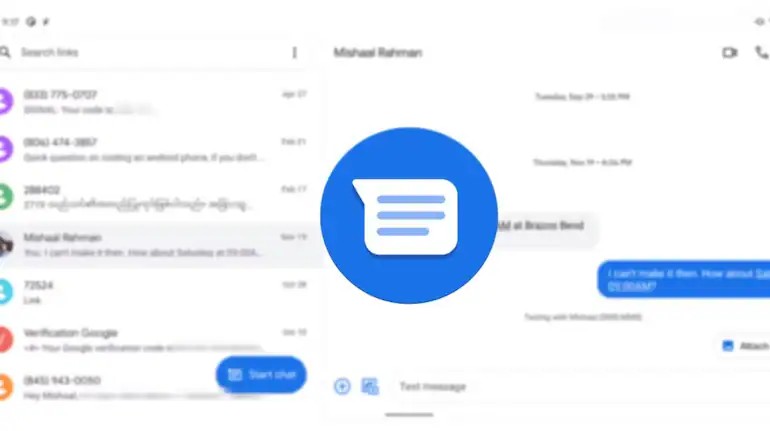
Google is enhancing its Messages app with a new feature that will let users choose the image quality when sending photos. The HD-image sharing feature is currently available to select beta users, and It will allow texters to pick the resolution of the photos they want to send. This feature will also let Google Messages users choose between an image in a standard version with maximum compression or an HD option with lesser compression.
Google Messages to get HD image sharing
According to a new report by Android Authority, Google Messages is testing a new setting in the Photo Picker option of the app, which has a toggle that says either HD (High Definition) or HD+. This feature was spotted in the latest beta version of Google Messages with build number: messages.android_20241029_00_RC00.
With the HD option, users will be able to send slightly reduced quality image quality, allowing for faster transfer and using less data. On the other hand, the HD+ toggle will keep the images at their original quality, but it may take more time to send the file and subsequently use more data.
All of these messages will be sent through the Rich Communication Service (RCS), which was introduced a few years ago. In late 2023, Google also added support for Ultra HDR images in the Messages app. The HD-image sharing toggle should be available with the stable release soon. A
Android 12 Security Updates End: Do you have a smartphone from 2021 or earlier? If the answer is yes, then be careful. In fact, the problems of over 1 billion smartphone users worldwide are about to increase. Google has confirmed that security patch support for Android 12 and older (12L) ended as of March 31, 2025, exposing over 1 billion, or roughly 42.1%, of Android devices to new malware and spyware attacks. Users with devices from 2021 or earlier, which cannot update to Android 13 or newer, are advised to upgrade to a newer, supported device.
Security updates have stopped for millions of devices running older versions of Android. If your phone can’t upgrade beyond Android 12, Google’s advice is clear. It may be time to replace it.
Key Details on the Android 12 Security Threat:
- The Risk: Devices without regular security patches are “sitting ducks” for hackers to exploit, leading to risks of data theft, financial fraud, and malware.
- Targeted Devices: Millions of phones running Android 12, 11, and earlier, particularly models from 2021 or older, no longer receive updates.
- Why Now: The end of support for Android 12 has left nearly 40% of all active Android devices without protection against evolving digital threats.
Google confirms over 1 billion Android phones are vulnerable to malware and spyware attacks: How to protect your device confirms over 1 billion Android phones are vulnerable to Malware and Spyware Attacks:
How to protect your device
Google Android Phone Security: Google has confirmed that over 40 percent of Android phones, more than one billion devices, are now vulnerable to malware and spyware attacks. Phones running Android 12 or older no longer receive security updates, putting users at risk. According to Forbes, only 57.9 percent of Android devices are running Android 13 or newer.
As of December, the latest version, Android 16, was installed on just 7.5 percent of phones, while Android 15, 14, and 13 were on 19.3 percent, 17.2 percent, and 13.9 percent of devices, respectively. Phones released in 2021 or earlier are taking the biggest hit from security risks. Google warns users to upgrade their devices if they cannot run Android 13 or higher.
Interestingly, even mid-range phones with the latest software can be safer than older flagship models still running outdated versions, showing that keeping your system up to date is more important than the price tag. Meanwhile, Google Play Protect scans for malware on Android 7 and newer, but it cannot replace missing system-level security patches that are critical to stopping sophisticated attacks. Smartphone manufacturers provide security updates for their handsets for a fixed period, usually four to five years. Now, Samsung and Google Pixel have announced that they will provide security updates for more than seven years on their devices. These updates are meant to protect devices by fixing bugs and vulnerabilities that sometimes appear in older operating systems. Hackers can exploit these weaknesses to access devices and steal data, and in some cases, even take control of the smartphone.
There are millions of smartphones worldwide running the Android operating system. In comparison, iOS is only available on Apple devices, and their numbers are much lower. Companies like Samsung, Realme, iQOO, Redmi, Oppo, and OnePlus work with the Android OS to build smartphones and sell them in the global market.
How to protect your smartphone malware and spyware attacks
Pointer 1: Keep your phone updated with the latest software and security patches.
Pointer 2: Download apps only from trusted stores like Google Play or Apple App Store.
Pointer 3: Check app permissions and avoid granting unnecessary access to sensitive data.
Pointer 4: Enable built-in security features such as Google Play Protect or iOS security settings.
Pointer 5: Avoid clicking unknown links or downloading files from suspicious sources.
Google Issues Stark Warning for Android Users on Outdated Devices
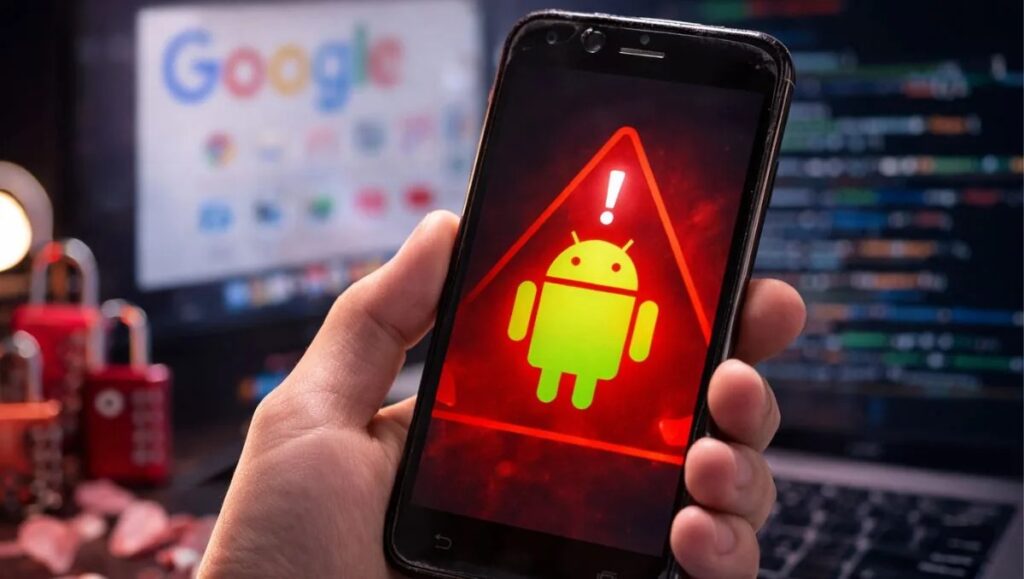
Google has confirmed that Android devices running Android 12 or older are no longer receiving security updates, leaving nearly 42% of Android phones vulnerable to malware and spyware attacks. Only 57.9% of devices currently run Android 13 or newer, meaning everything below that threshold is effectively frozen without protection. Phones launched in 2021 or earlier are the hardest hit, and despite the passage of time, the situation hasn’t improved much. As a result, around one billion Android users worldwide remain stuck on unsupported and increasingly risky software. Based on the most recent information as of February 2026, Google has officially ended security patch support for Android 12 and older operating systems. This move directly impacts devices that cannot upgrade beyond Android 12, often including phones released in 2021 or earlier. Android 12 and 12L have received their last official Google security update devices won’t get the April 2025 security patch, or any future releases.
Understanding the April 2025 Security Patch
The April 2025 security patch is a pivotal update in Google’s ongoing commitment to protecting Android users from potential security threats. Android devices, which are widely used across the globe, face numerous threats ranging from malware attacks to unauthorized data access. As vulnerabilities are discovered, timely updates become essential in safeguarding personal and sensitive information.
This specific security patch addresses various types of vulnerabilities that may affect the functionality and security of Android devices. For instance, it counteracts issues such as remote code execution vulnerabilities, which can allow malicious actors to run harmful software without users’ consent. Additionally, the patch targets security loopholes that could lead to privilege escalation, allowing an unauthorized user to gain heightened access to the device’s resources.
In the context of Google’s overall update schedule, the April 2025 security patch is significant as it continues the tech giant’s tradition of releasing monthly updates. A structured update model ensures that users receive consistent security improvements, effectively mitigating the risks associated with operating outdated software. Regular updates are not only crucial for device functionality but are also integral in maintaining user trust in Android devices.
Failure to implement these updates can expose users to various threats, including identity theft, data loss, and financial fraud. Therefore, it is imperative for Android users to regularly check for system updates and apply them as soon as they are available. By prioritizing device updates, users can enhance their overall digital security posture.
Google’s Warning: Devices Missing Future Updates
In a recent announcement, Google has identified a range of Android devices that will not receive the crucial April 2025 security patch, nor any subsequent updates. This decision affects various models that have been flagged due to outdated hardware and software compatibility issues. The primary criterion for this warning includes devices that have not received regular security updates in over two years, signifying a decline in support and potential vulnerabilities.
Devices that fall into this category include older models from various manufacturers that are becoming increasingly unable to meet the requirements for future software enhancements. Consequently, these devices will lack essential security features designed to protect users from the evolving landscape of cyber threats. The absence of official updates means that any vulnerabilities identified post-April 2025 will not be addressed, leaving these devices susceptible to exploitation.
Using devices that no longer receive security updates poses significant risks to user data security. Users operating on these outdated devices may unknowingly expose their personal and financial information to malicious attacks, including malware and phishing schemes. Additionally, the lack of support for new applications can render these devices more limited in functionality, diminishing the overall user experience over time.
It is imperative for users to consider transitioning to newer devices that will remain supported with regular updates. Investing in current technology not only ensures access to new features but also safeguards against potential data breaches and other security risks. By remaining vigilant about device updates, Android users can help protect their digital lives and ensure a safer online environment.
Alternatives for Users with Outdated Devices
As Google has indicated potential security vulnerabilities for Android users on outdated devices, it is essential for individuals utilizing older models to consider viable alternatives. The most straightforward option is to upgrade to a newer device that receives regular security updates. By investing in a modern smartphone, users can ensure safeguarding against the latest security threats while enjoying improved performance and features.
However, not all users may be ready for a new purchase. In such cases, alternative operating systems like LineageOS or GrapheneOS may provide a feasible solution. These platforms extend the usability of older smartphones by offering up-to-date Android releases, thus allowing users to maintain a higher level of security. Transitioning to these alternative operating systems may require some technical knowledge, but numerous online resources can guide users through the installation process.
Additionally, extending the lifespan of outdated devices while ensuring security is achievable through other measures. Users can minimize risks by only downloading applications from trusted sources, such as the official Google Play Store. They should also be cautious about permissions granted to apps, restricting access to sensitive data unless absolutely necessary. Furthermore, regular maintenance, including clearing cache and uninstalling unused applications, can optimize device performance and security.
Regularly updating the software that is still supported and utilizing features such as VPNs can further enhance security on older devices. By employing these measures, individuals can still protect their personal data effectively even when operating older hardware without receiving the April 2025 patch. In conclusion, whether upgrading, seeking alternative systems, or optimizing current devices, users have several strategies to maintain their security integrity when faced with outdated technology.
The Future of Android Security: What Users Should Know
As we navigate an increasingly digital world, the future of Android security is a pressing concern for both users and developers alike. Google’s recent warning to Android users about the risks associated with outdated devices underscores the importance of remaining vigilant in managing device security. Outdated software not only exposes users to potential vulnerabilities, but it also invites the possibility of malicious attacks, prompting a need for enhanced security protocols.
The evolving landscape of cybersecurity means that cyber threats are becoming more sophisticated, with hackers employing advanced techniques to exploit weaknesses within outdated systems. Users must prioritize keeping their devices updated, ensuring that they are running the latest versions of both the operating system and any applications. Regular updates often include critical security patches that protect against newly discovered vulnerabilities, making it essential to invest time in understanding and managing these updates.
Google strives to improve security protocols across its Android ecosystem by implementing features that focus on the secure operation of devices. The introduction of measures such as Play Protect, which scans apps for harmful behavior, demonstrates Google’s ongoing commitment to enhancing the safety of its platform. Additionally, the promotion of security awareness within the community can foster a culture of proactive software management. Users should not only be informed about the necessity of updates but also aware of the potential risks associated with neglecting these essential practices.
As Android users, it is crucial to engage actively with the security features available on devices and educate oneself on the importance of maintaining software integrity. By fostering an awareness of security practices, the collective efforts of users will contribute to a safer digital environment, which is an essential step in combating the ever-evolving threats faced by the Android community.
What you need to know
- Google’s last official security patch for Android 12 and Android 12L was the March 2025 update.
- As of March 31, 2025, Google is no longer supporting the Android 12 and 12L operating systems.
- OEMs can still choose to manually backport security releases to their devices; alternatively, users can switch to a custom ROM.
Android 12 review: It’s all about you
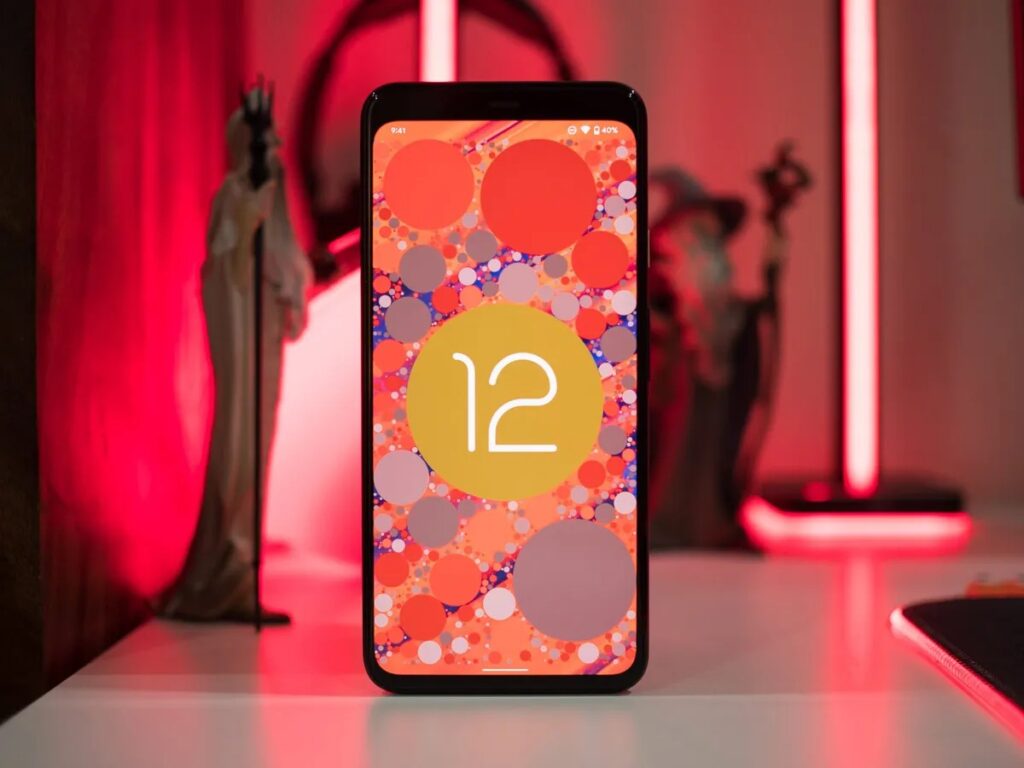
Android releases have followed a predictable pattern over the last four years: we get a slate of new features, privacy and security fixes, updates to notification management, and if we’re lucky, minor changes to the design. Some of those features end up never being used , and most manufacturers ignore Google’s design aesthetic and instead use their custom skins. Android 12 is different. The latest version of Android introduces the biggest visual redesign in Google’s history, and it delivers an exhaustive list of new features. Google usually alternates between rolling out new features and making design changes for new Android versions, but this time we’re getting both at the same time. The result is the biggest beta program from Google yet, with even the later Android 12 beta builds featuring phone-breaking bugs. That said, the new Material You design language gives you a level of customizability that we haven’t seen on Pixels, and the new security features are designed to safeguard your privacy. There are a lot of things that Google is doing differently here, so let’s find out what Android 12 has in store and when you can try out all the new features on your phone. Google Pixel 6 and Pixel 6 Pro hands-on: Prettiest Pixel perfection While we’re excited for the new Google Pixel every October, the Pixel 6 and Pixel 6 Pro launch is about so much more than just new phones. It’s the real-world debut of its first in-house chipset with Google Tensor, and Google is using the Pixel 6 as the launch bed for a new era of Android design, Material You.
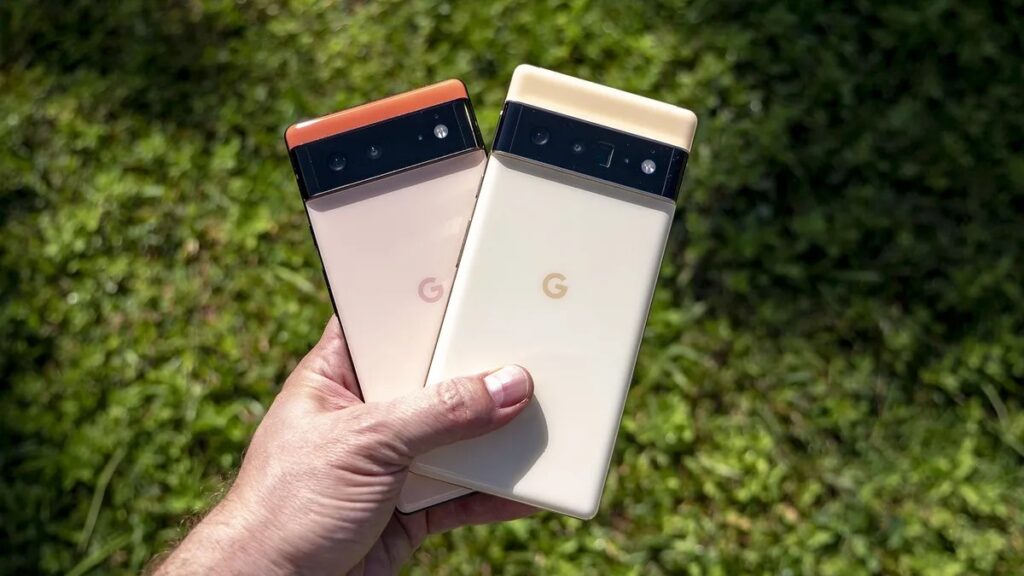
Best Android phones 2026: The phones we love from Samsung, Google, OnePlus, and more definitive guide to the best Android phones.
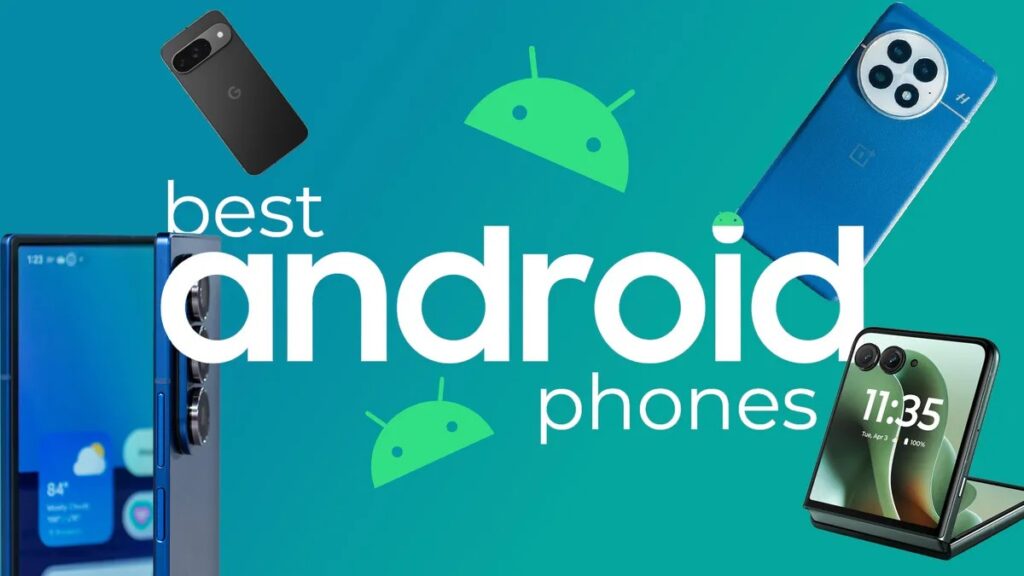
At Android Central, we pride ourselves on knowing the best Android phones inside and out. Whether you want something basic just to make calls, browse social media, and stay connected to friends and family, or you’re looking at advanced features with powerful internals and DSLR-rivaling cameras, we have something for everyone. I test dozens of phones every year and can tell you exactly where they triumph and where they falter.
How we test and review phones at Android Central phone reviews on the web.
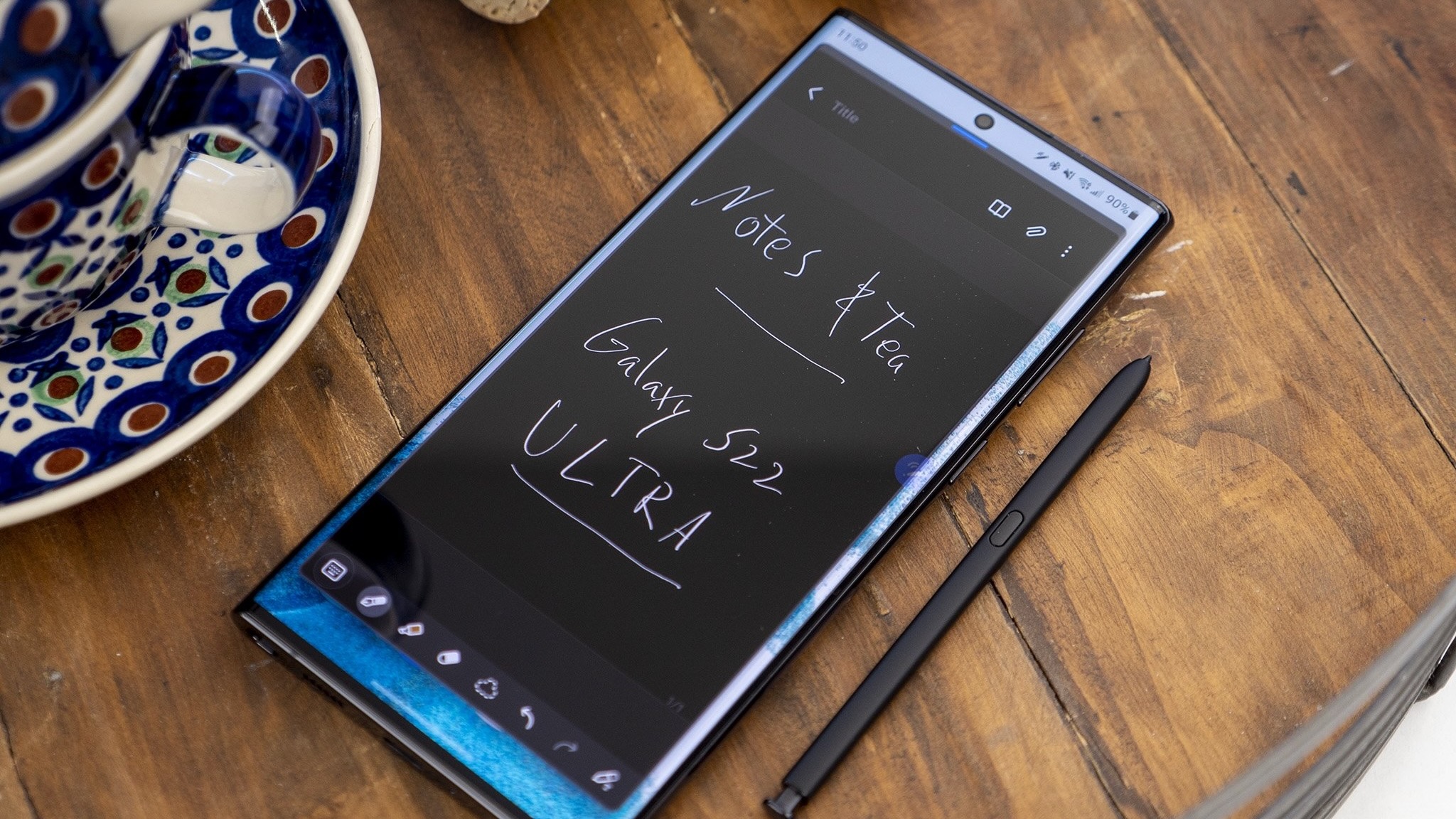
With so many phones on the market, how will you know which one is the best fit for you? You need to know who to turn to, of course. That’s why at Android Central, we have tried-and-true methods of testing Android phones to ensure quality reviews that tell you the information you need to know to make an informed decision.
Whether that means testing the battery by using the phone in normal ways — that means we don’t rely on benchmark programs to guide battery life claims solely — or seeing how well that fancy new camera stacks up to the competition, our goal is to use the latest Android phones in real ways to help you understand why a phone will actually work (or won’t) for your lifestyle. Labs are great, but we believe real life is even better.
Design and build quality
These days, most phones look pretty much the same. Most are the same tall, rectangular shape with a similar aspect ratio — that’s usually between 18:9 and 21:9 — so what is there to really differentiate between any of these devices? Often, it’s the types of materials that are used. Is this a “metal-and-glass-sandwich,” or is it a polycarbonate unibody design?
Does a phone have nice, rounded corners that feel good when you hold it, or are those corners boxy and uncomfortable to hold? How about the camera hump on the back? Some devices have a massive, side-aligned camera hump that makes the phone wobble on a table, while others try to avoid this annoying issue.
Of course, you also have to consider who the phone was built for. Phones that are designed specifically for gaming might have triggers built in to the side or an actual fan on the device to help deliver a more authentic gaming experience. Other phones might have a built-in stylus, while others may feature folding displays or other unique features. We recognize these phones aren’t something everyone would buy, and make sure you understand that, too!
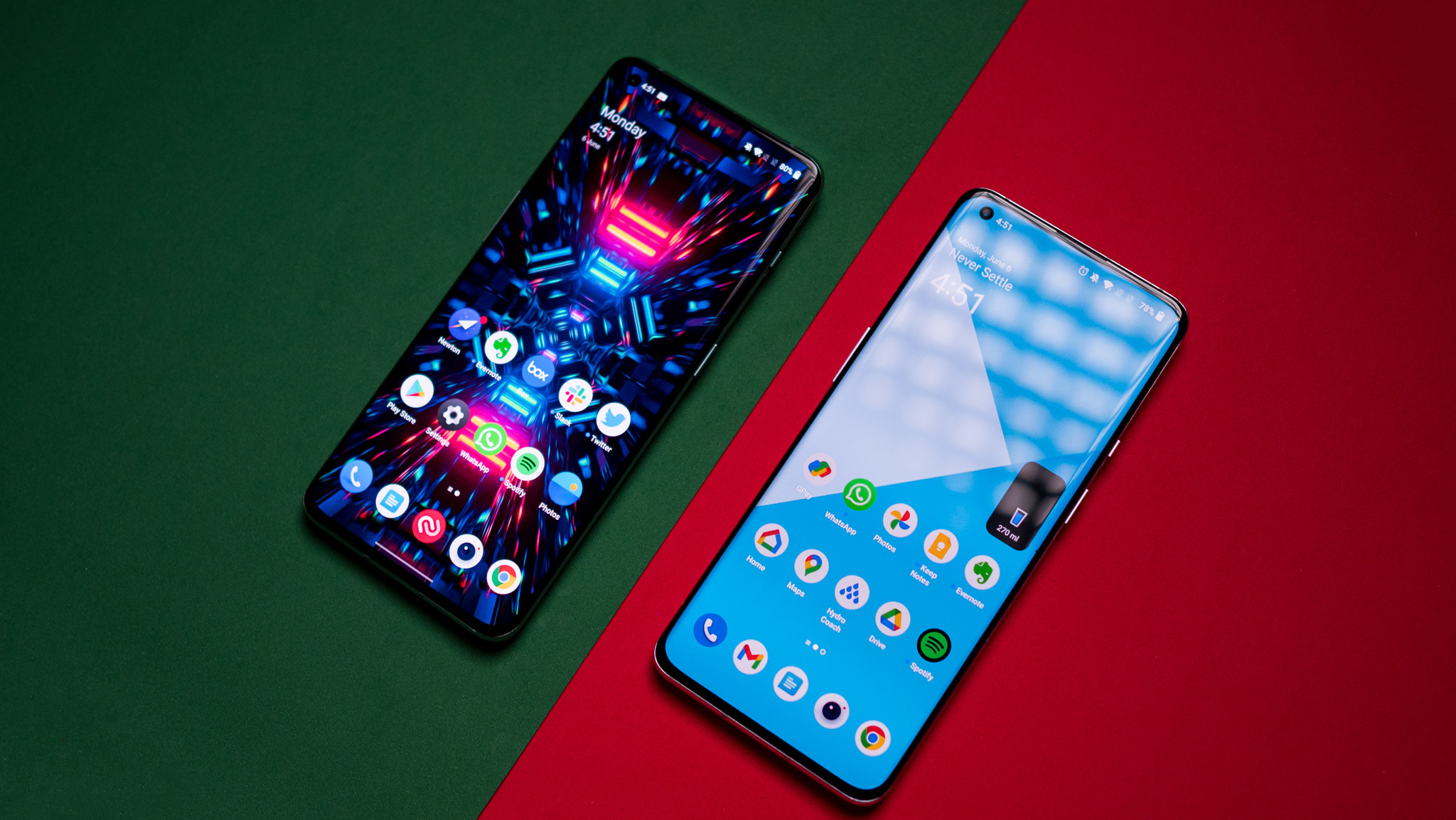
Android 12 and 12L just got their last update. Now what?
Android 12 and 12L are no longer supported by Google, leaving millions of users exposed to security risks unless they upgrade or install a custom ROM.
Android 12 and 12L have officially reached the end of their life cycle, with Google confirming that the March 2025 patch was their final update. As of March 31, 2025, these operating systems are no longer supported, marking a significant shift for millions of users still relying on older Android devices.
Google ends official support after three years
Google has officially discontinued security support for Android 12 and 12L, leaving them without access to future patches or bug fixes. While this follows the company’s typical support timeline, it’s still a major concern—especially considering that over 12% of Android devices globally are still running these versions, according to Statcounter. Devices like the Pixel 3a, Galaxy S10, and OnePlus 7 series are among those now considered outdated.
Security risks increase without updates
The immediate consequence is clear: devices running Android 12 or 12L are now more vulnerable to cyber threats and exploits. Without the latest security updates, these phones could become easy targets for malicious actors. Google had continued to offer patch backports for over three years, but that era has now ended.
What users can do next
Although Google support has ended, OEMs may choose to manually backport key security patches to their older models. However, it’s unclear whether any will actually do so. For those unwilling to upgrade to a newer phone, the best option may be installing a custom ROM that receives regular security updates, ensuring continued device safety despite the official cut-off.
Android 12 and 12L reach end-of-life as Google stops security updates
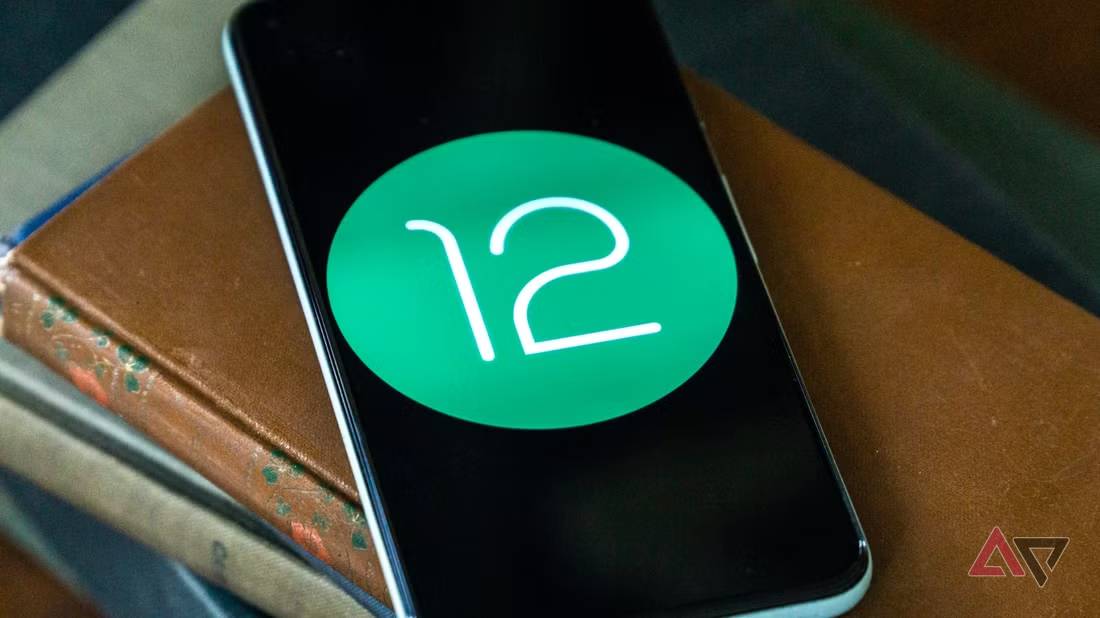
- Google has ended official security patch support for Android 12 and 12L as of March 31, 2025, leaving a large portion of users potentially vulnerable.
- Devices that were last updated to Android 12, such as the Pixel 3a, Galaxy S10 series, and OnePlus 7 series, will no longer receive core OS security updates directly from Google, shifting the responsibility to device manufacturers or alternative OS options.
- Users still on Android 12 should consider upgrading their devices for continued security or repurposing their old phones for less sensitive tasks.
Android 12 review: Your phone’s biggest update in years
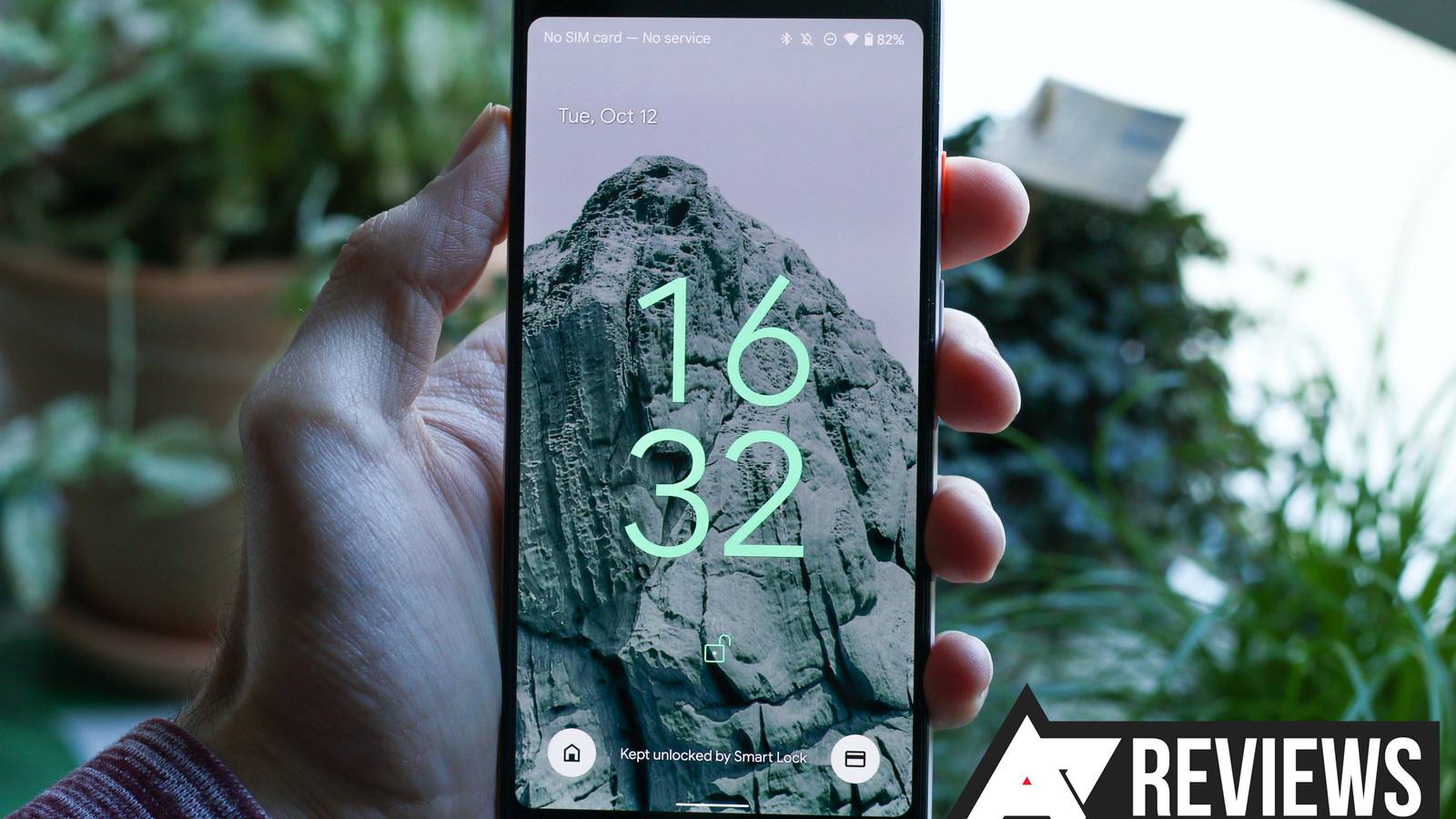
Google Pixel 6 review: Do call it a comeback
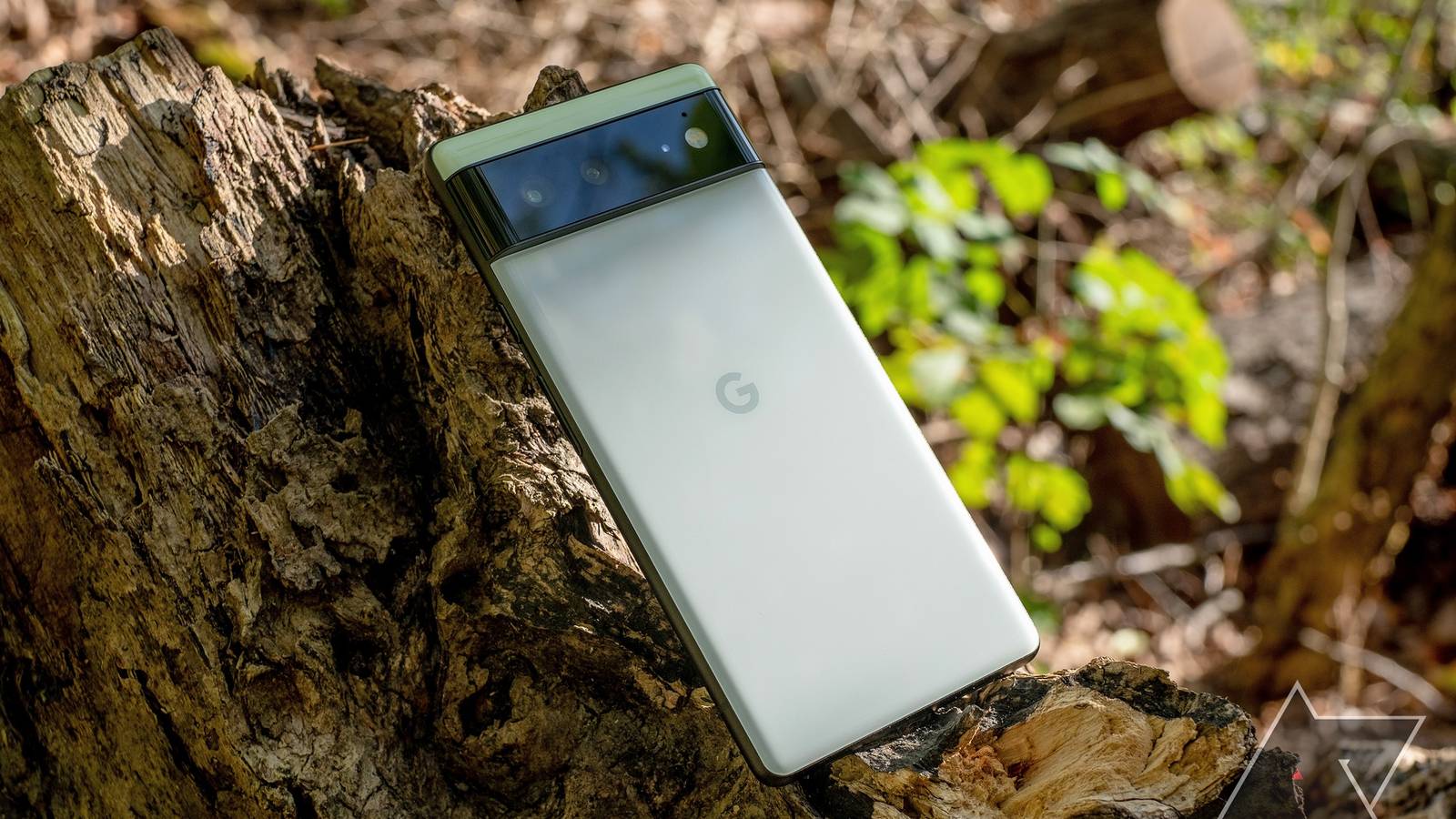
To make matters worse, its first handful of updates arrived late — and some units missed December’s update entirely. Problems have been far from universal, but for a time, they were common enough to dominate the conversation around the phone.
Six months into the Pixel 6’s tenure, though, Google’s seemingly turned it around.
Android smartphones come in all shapes, sizes, and form factors, offering a wide range of unique devices that cater to users’ needs—and many will be on sale for Prime Day.
How smartphones got so huge
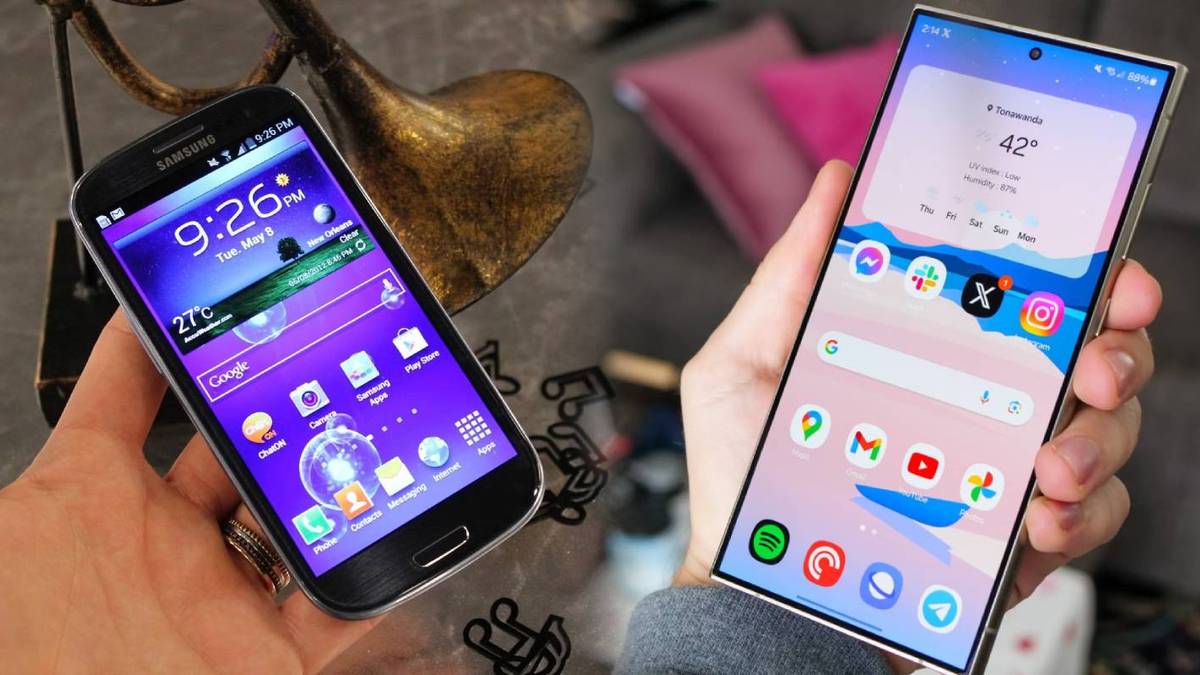
That’s not the case these days, with Google, Samsung, and more making big handsets all the rage. Sometimes it feels like you’re hard-pressed to find a pocketable small phone — but not completely.
While there isn’t a vast selection to choose from, you’ll find the few smaller devices available boast flagship specs, including superb performance, quality cameras, and sleek, compact designs.
The variety of quality foldables isn’t lacking either, as this year has already seen plenty of exciting launches — with more on the way.
Google Pixel Fold review: An $1,800 rough draft
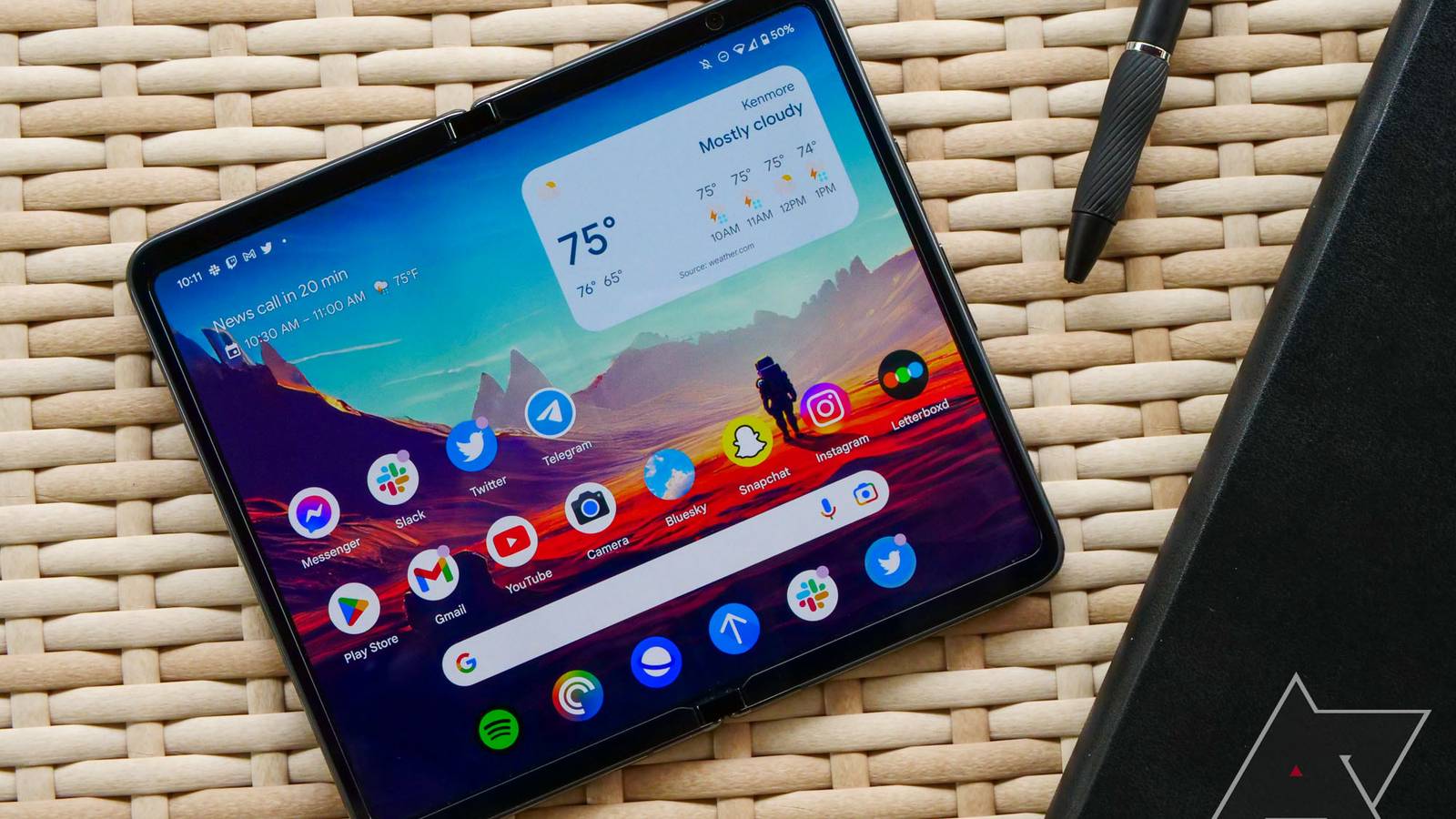
You have to give Google some credit. Despite being known for quickly throwing in the towel on projects that fail to garner a fan base quickly, it continues to pump out more hardware than ever before. What began in 2016 with the original Google Pixel — alongside some Chromebook hardware, rest in peace — has blossomed into an ever-growing lineup of smartphones, tablets, smartwatches, and now, foldables.
Google canceled its first Pixel Fold design because it wasn’t good enough
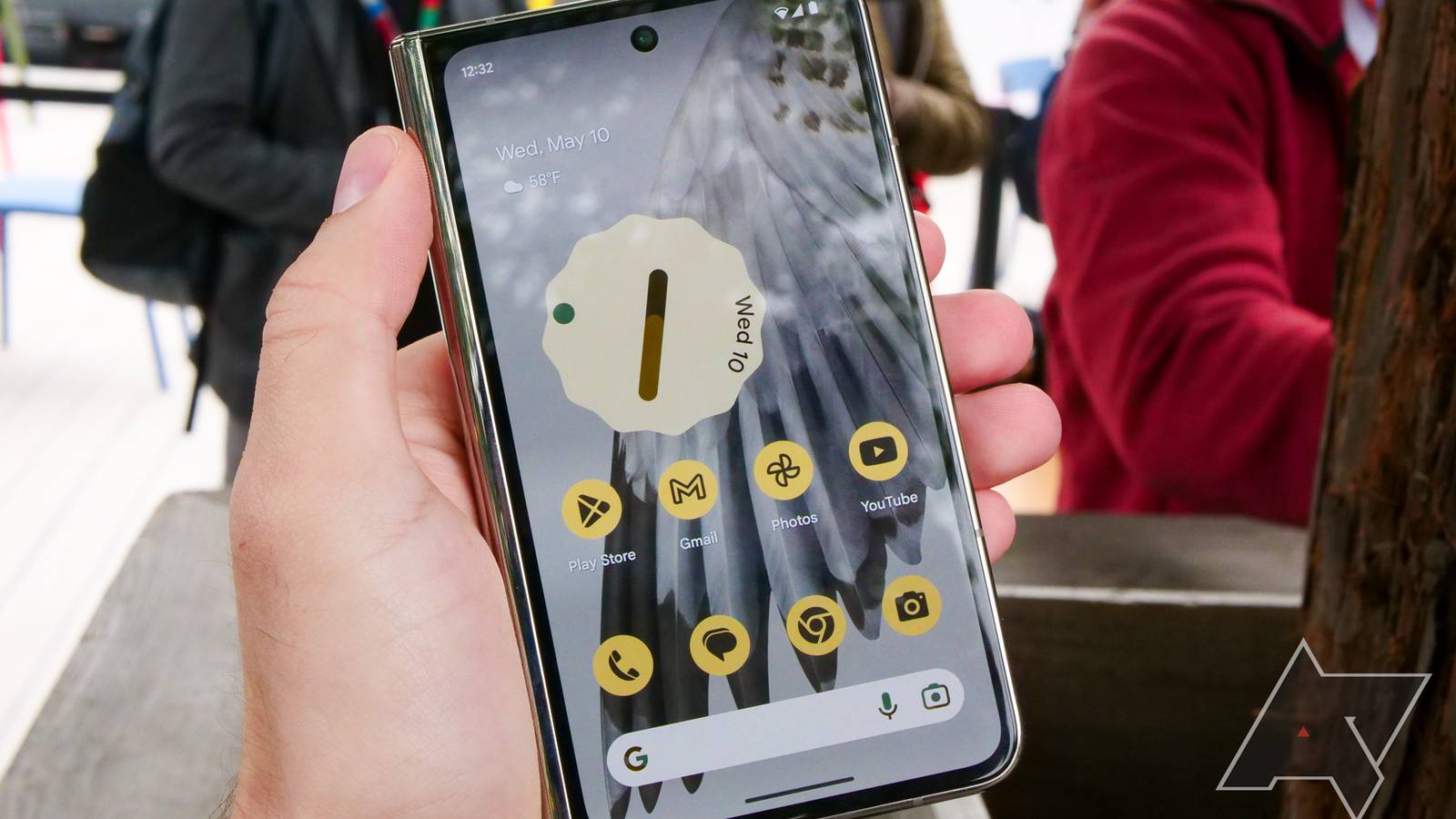
Google Pixel Fold: Availability, price, and specs
After an announcement at Google I/O 2023 in May, the Google Pixel Fold started shipping on June 27, 2023. This is right in line with some previous hardware releases at I/O, like the Pixel 6a, which took more than a month after the event to reach store shelves.
If you’re convinced the Pixel Fold is for you, you can order it right now from the Google Store, Amazon, Best Buy, or the carrier of your choice starting at $1,800. This decision leaves over 1 billion active smartphone users—approximately 42% of all Android users—vulnerable to new malware, spyware, and cyberattacks.
Why This is Critical
- No More Security Patches: Devices running Android 12 or earlier no longer receive monthly system-level security updates from Google, leaving known vulnerabilities exposed.
- The 2021 Threshold: Many devices released in 2021 or earlier (such as the Pixel 3a, Galaxy S10, and OnePlus 7 series) cannot upgrade past Android 12, effectively making them “frozen in time” security-wise.
- Increased Risk: Without these patches, hackers can exploit weaknesses to steal passwords, intercept messages, and access banking apps.
Over a billion Android phones left exposed as Google ends security updates for older versions has also pointed out that its Play Protect service continues to function on Android 7 and newer, offering malware scanning and updated threat signatures.
Apple’s iOS 26 is facing fresh criticism after users reported an unusual bug that causes certain photos, particularly those taken on Android devices, to appear with a red tint when viewed in the Apple Photos app.
The issue was first flagged by users on Reddit, where several people said images shot on Android smartphones were being displayed incorrectly on iPhones running iOS 26. According to user accounts, photos taken on devices such as Motorola’s Razr and Samsung’s Galaxy S24 appeared normal initially but developed a red overlay when opened or zoomed in within Apple’s Photos app.
In a surprising twist, at least one user reported encountering a similar issue even with images taken on an iPhone 15 and viewed on an iPhone 17, suggesting the problem may not be limited to cross-platform photo transfers. Others complained that the glitch goes beyond a red tint, with some images turning black and white when users attempt to crop them.
Users say the problem persists even after installing the latest iOS 26.2 update, indicating that Apple’s most recent round of fixes has not addressed the issue. While Apple has not officially acknowledged the bug, social media users have identified a temporary workaround. Opening the affected image, tapping “Edit,” and then selecting “Revert” appears to remove the red filter in many cases. However, users note that this is only a stopgap solution and not a permanent fix.
The photo glitch adds to a growing list of complaints surrounding iOS 26. Soon after the operating system was rolled out widely, users took to social media to report lagging performance, stuttering animations, frequent app crashes and increased battery drain.
Apple’s new “Liquid Glass” design language has also divided opinion. While some users praised its visual overhaul, others argued that it reduced readability and made the interface distracting. In response to the feedback, Apple has already released multiple updates that allow users to customise how prominently the Liquid Glass effects appear.
iOS 26 has also seen earlier technical hiccups tied to Apple’s newest hardware. Following the launch of the iPhone 17 lineup, Apple acknowledged a camera-related bug affecting the iPhone 17 Pro Max and iPhone Air, which caused part of an image to black out under certain conditions. That issue was later resolved through a software update.
More recently, Apple said it had patched more than 20 security vulnerabilities in iOS 26.2. Among the fixes was a flaw in the App Store that could have allowed malicious apps to access sensitive payment tokens. Additional permission and logging issues were also addressed across system components including Messages, Screen Time, Telephony, MediaExperience and Photos.
For now, users affected by the red photo bug are left relying on manual workarounds as they wait for Apple to confirm the issue and release a dedicated fix.
The move has left an estimated 42.1 per cent of Android devices vulnerable to new malware and spyware threats. Latest platform distribution figures show that only 57.9 per cent of Android phones are running Android 13 or newer, meaning everything below that threshold is no longer protected by system-level security updates.
Phones launched in 2021 or earlier are among the most affected, and the situation has seen little improvement over the past year. Google tests custom label creation in Gmail for Android already maintains a support page detailing how to create and manage labels on desktop and iOS, underscoring Android’s absence from the feature until now.
OpenAI enters translation market with ChatGPT Translate, taking on Google Translate new tool blends language translation with editing and rewriting features aimed at real-world communication.
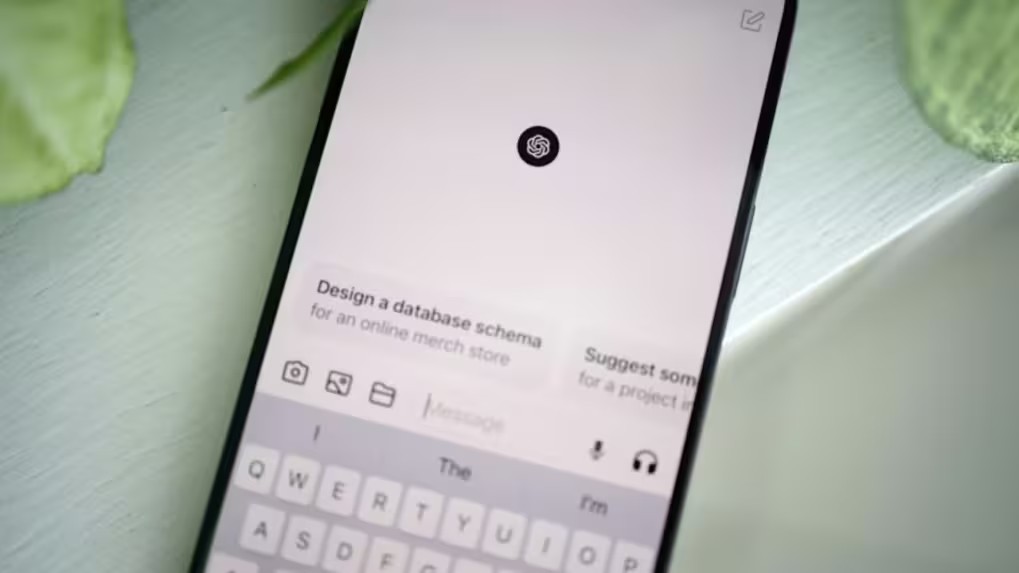
OpenAI has rolled out a new language translation product called ChatGPT Translate, marking its most direct move yet into a market long led by Google Translate. The tool expands ChatGPT’s capabilities by offering a dedicated translation interface while integrating the platform’s conversational editing features.
ChatGPT Translate follows a familiar layout, with separate fields for source text and translated output. It automatically identifies the input language and supports translation across more than 50 languages. On mobile browsers, users can also dictate text using voice input, allowing spoken words to be translated in real time.
Beyond basic translation, the tool’s defining feature is what users can do after the translated text appears. The interface offers one-click options to reshape the output, such as making it sound more natural, more formal, simpler, or suitable for academic contexts. Selecting any of these options opens the translation within the main ChatGPT chat, where users can continue refining the text with additional instructions. This approach positions ChatGPT Translate as a tool aimed not only at converting languages, but also at helping users adapt content for specific audiences or purposes, such as drafting emails, messages, or professional documents.
However, the product currently lacks several capabilities that are standard in more established translation services. On desktop, ChatGPT Translate supports only plain text. Features such as image translation, document uploads, handwriting recognition, website translation and live conversation support are not yet available.
Google Translate, meanwhile, continues to expand its own offering. Recent updates powered by Google’s Gemini models focus on improving translations of informal language, slang and regional expressions. Google is also testing live speech translation through wearable devices. While Google Translate remains the more comprehensive tool at present, ChatGPT Translate introduces a different model, one that blends translation with editing and contextual refinement. As OpenAI adds more features and language support, competition in the translation space is expected to intensify. Google phasing out Gemini side panel in major Gmail AI overhaul change currently affects personal accounts on premium subscription tiers, while Google Workspace users continue to have access to the standalone side panel.
How to stop Gmail from using your emails for AI training by changing these two settings jones informed that this two-step process is intended to limit the exposure of personal email data to AI-powered features.
Jones informed that this two-step process is intended to limit the exposure of personal email data to AI-powered features. This week, subscribers of Google AI Pro and AI Ultra in the United States have begun seeing the removal of the Gemini side panel on the web version of the service. The update signifies a strategic move away from a traditional chatbot-style interface toward a system where AI capabilities are embedded directly into the inbox workflow.
Previously, the Gemini side panel was accessible via a spark icon located near the user profile picture. It functioned as a persistent assistant capable of summarizing long email threads, drafting responses, and retrieving information from Google Drive or Calendar. Under the new design, these functions are triggered contextually within the existing Gmail interface. AI Overviews now automatically condense complex email chains at the top of the message window, while Suggested Replies use the full context of conversations to offer more relevant responses.
While the “Help Me Write” feature remains a core component of the drafting process, the Proofread tool has received an upgrade. It now offers advanced suggestions for style and tone in addition to standard grammar and spelling corrections. Search functionality is also being updated with AI Overviews to provide summarized answers to natural language queries directly within the results page.
The change currently affects personal accounts on premium subscription tiers, while Google Workspace users continue to have access to the standalone side panel. Although the panel remains visible on mobile platforms, specifically Android, the web-based transition indicates a broader design philosophy aimed at making AI interactions feel like a natural extension of the email experience rather than a secondary task. The feature was discovered after hidden options were enabled in Gmail for Android version 2025.12.29.855765709.Release. Once activated, users can create, rename and delete custom labels directly within the app. If rolled out publicly, the update would bring Gmail for Android closer to feature parity with its iOS and desktop counterparts, where label management has been available for years.
In the test build, a new Create label option appears in Gmail’s main sidebar menu. Selecting it allows users to name a new custom label, which then appears alongside existing system labels. The workflow mirrors the label creation process already available on iOS, where users access the feature through the sidebar and select Create New.
Label management on Android is also integrated into the settings menu in the test version. Users can navigate to Settings, then Inbox, followed by Manage labels, where custom labels can be renamed or deleted. Labels previously created on iOS or desktop versions of Gmail can also be edited or removed on Android, provided they were created by the account holder.
As with other versions of Gmail, custom labels remain private to the user and are not visible to email recipients. Deleting an email removes it both from the inbox and from any associated labels. Google already maintains a support page detailing how to create and manage labels on desktop and iOS, underscoring Android’s absence from the feature until now. While the current test suggests that gap may finally be narrowing, the company has not officially confirmed a broader rollout.
The feature was enabled through internal testing rather than appearing in a stable public update, leaving open the possibility that it may not be released widely. Regardless, custom label creation will continue to be supported on iPhone, iPad and desktop versions of Gmail even if the Android rollout does not proceed.
What You Should Do
If your phone is stuck on Android 12 or earlier:
- Check for Updates: Go to Settings > System > System update to see if an upgrade to Android 13 or higher is available.
- Upgrade Your Device: If your phone cannot be updated, Google advises replacing it with a modern mid-range device that supports Android 13 or later.
- Use Caution: If you must keep using the device, avoid accessing sensitive information (banking, email) on it and ensure Google Play Protect is active.
While Google Play Protect will continue to provide malware scanning on older versions, it cannot replace the critical system-level security patches that have now stopped.
