
Silent Authentication: This is an advanced security system that verifies the user’s identity in the background. It eliminates the need to repeatedly enter an OTP. What is silent authentication technology? Silent Authentication: With the increasing use of digital banking, cases of cyber fraud have also risen rapidly. It automatically verifies in real-time that the SIM card linked to a bank account is active in the user’s device, instantly blocking transactions or accounts if a SIM swap or cloning is detected.
Key takeaways
- How it works: Instead of entering an OTP, the system checks your SIM and device in the background. If mismatched, the payment is blocked automatically.
- Benefits: Payments become faster, friction is reduced, and fraud detection improves with real-time network checks.
- Trade-offs: Users are removed from the loop, network issues can disrupt payments, and invisible security may hide problems.
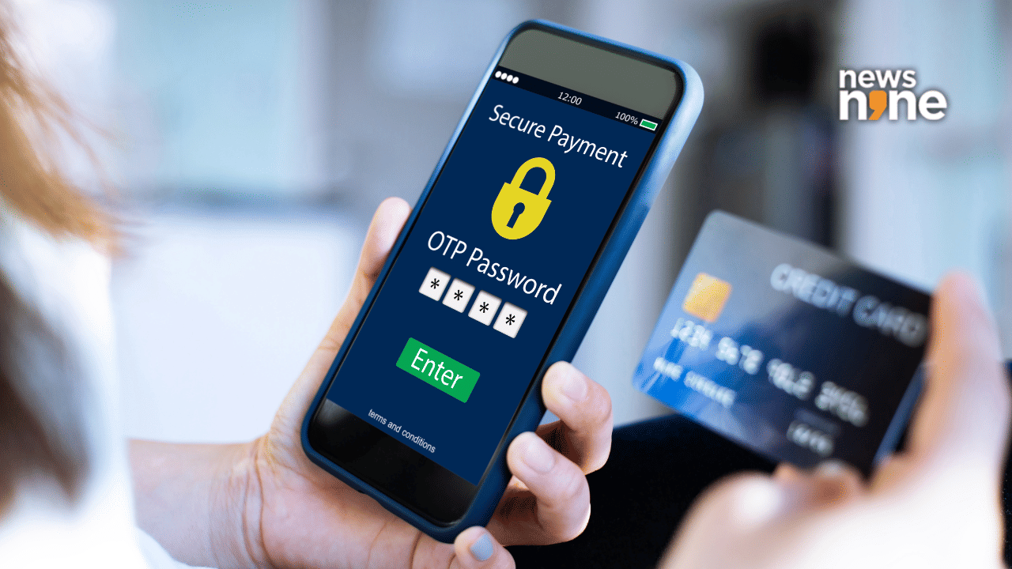
New Delhi: Banks and telecom firms in India are preparing to move away from OTPs, and most users probably won’t even notice when it starts happening. The new system is called silent authentication. It sounds simple, but it quietly changes how payments get approved.
This comes just before the Reserve Bank of India’s updated rules on two-factor authentication kick in on April 1, 2026. OTPs have done the job for years, but let’s be honest, they are messy. Messages arrive late, sometimes not at all. And fraud through SIM swaps keeps popping up.
How does Silent authentication work?
Instead of asking you to type a code, the system checks your SIM in the background. It matches the SIM on your phone with the number linked to your bank app.
If something doesn’t match, the payment stops. No warning, no extra step. Just blocked.
This removes friction, yes. But it also removes the user from the loop. You trust the system to decide, and you don’t really see how.
Axis Bank, telecom firms test early rollout
Banks like Axis Bank are already testing this with telecom operators. The idea is to use network data instead of SMS.
Anyone who has stood at a checkout screen waiting for an OTP knows the pain. This tries to fix that. Payments could feel instant.
But banks still have to follow RBI rules. So this is not just about speed. It’s about meeting compliance without annoying users.
RBI mandate pushes change
The RBI now wants stronger checks for digital payments. Each transaction needs more than one layer of verification.
Silent authentication fits in here. It checks SIM and device details at the network level. That makes it tougher for someone trying to hijack an OTP.
Benefits and trade-offs
Yes, payments get faster. That’s the obvious win. Fraud detection could improve, too. Real-time checks help.
But there is a catch. You don’t see what’s happening anymore. If a payment fails, you might just stare at your screen wondering why.
This system leans heavily on telecom networks. If the network has issues, the whole process could break.
Banks and telcos also need to sync their systems properly. That’s easier said than done.
And here’s the uncomfortable bit. When security becomes invisible, problems can stay invisible too.
Key Aspects of the New Silent Authentication System:
- No User Action Required: Unlike OTPs, this process works seamlessly in the background without requiring users to input codes, aiming to remove the risk of phishing.
- Immediate SIM Swap Detection: If a user changes their SIM card, or if a cloned/eSIM swap is detected, the system immediately flags or locks the bank account/transaction.
- Network-Level Security: The technology works by having telecom operators verify the phone number and device directly, which is significantly more secure than SMS-based OTPs.
- Combatting Fraud: This method is designed to stop fraud related to SIM swapping and stolen OTPs, ensuring transactions only occur from the authorized phone.
- Timeline: This shift is gaining momentum alongside RBI-focused initiatives on stronger, two-factor authentication.
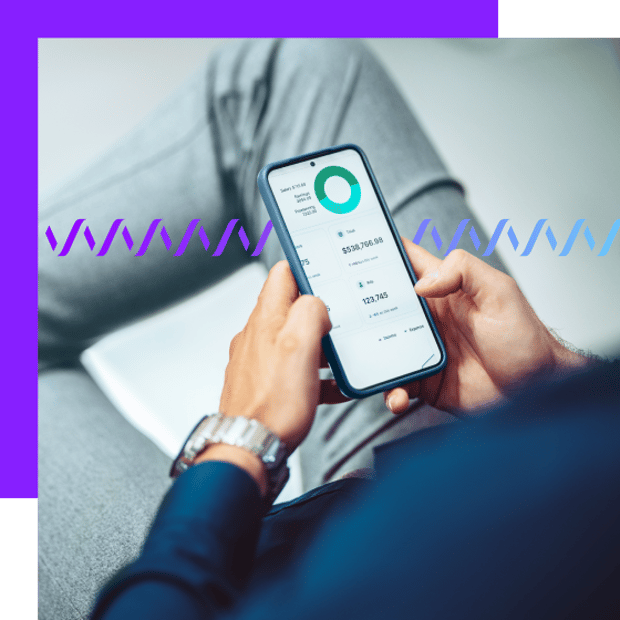
Why fintech applications are moving beyond OTPs
In today’s digital finance world, user experience and security are no longer trade-offs — fintech apps are expected to deliver both. But for many mobile users, logging in or verifying identity still means jumping through hoops: Switching apps to retrieve a code, dealing with delays or failed SMS delivery, or giving up altogether.
Fintech apps are mobile or web applications that help people manage money digitally — things like banking apps, payment tools such as Venmo or Cash App, investing platforms like Robinhood, or budgeting apps such as Mint. Instead of going into a bank branch or mailing checks, users handle everything directly on their phone.
For product teams, these hurdles often show up in metrics: On-boarding drop-offs, high support costs, and growing fraud risk from legacy authentication methods like one-time passcodes (OTPs), while exposing your app to fraud tactics like phishing and SIM swapping.
Now imagine verifying your users silently — no codes, no app-switching, no interruptions. That’s the promise of silent authentication. It’s a method that lets fintech apps confirm identity in the background, using mobile network signals instead of user input.
In this article, we’ll break down what silent authentication is, how it works, and why more fintech developers are turning to it to improve conversions, reduce fraud, and modernize their login flows.
What is silent authentication and how does it work?
What is Silent Authentication?
Silent Authentication provides secure authentication without requiring users to input passwords or verification information, or memorize one-time passcodes (OTPs). Instead, users are automatically authenticated by their mobile network operators based on their smartphones’ data connection.
KoSilent Authentication is designed for any customer-facing business that needs to securely verify its customers or users during online account creation, account changes, password resets, or other important transactions. Simplifying Two-Factor Authentication
At Vonage, we help hundreds of businesses send millions of 2FA requests in all major regions, including North and South America, Europe, and Asia.
Our customers tell us they’re aware of the multitude of authentication options available — from less expensive options like email to more expensive (and more complex) soft tokens, SDKs, and even hard tokens like physical key fobs.
But there’s one simple, easy-to-use API that removes the complexity of 2FA at a global scale.
Verify API
Our patented 2FA technology helps you protect against fraud, build trust, and increase conversion across multiple channels — no telecom or security experience required. Plus, you’ll only pay for successful verifications. And now, with support for Silent Authentication over the mobile network, you can eliminate OTPs and make 2FA up to 2x faster.
See how Verify helps businesses like yours succeed

Prevent Fraud
2-factor authentication easily minimizes account fraud with an extra layer of security. Fraud Defender protects against traffic pumping fraud with real-time alerting and automatic blocking of suspicious traffic.
Fraud Defender
Fraud attacks are on the rise — and these events can cost your business both financially and by severely impacting your brand and reputation. That’s where Vonage Fraud Defender comes in. It’s a user-friendly fraud alerting and blocking solution compatible with SMS and voice traffic.
A comprehensive, end-to-end fraud prevention solution
Protect revenue and reputation
Minimize ongoing attacks with active fraud prevention to protect your brand and end users

Real-time alerts and blocking
Set up automatic blocking and/or notifications of suspicious traffic based on your preferences

Reduce operational costs
Create rules to control risk exposure with a dashboard and customizable settings
Fraud Defender Features
Protect against fraud with this easy-to-implement alert and blocking system.
- Implement real-time monitoring, alerting, and notifications to help stop fraudulent activity in its tracks for SMS and voice (including Verify 2FA) traffic.
- Mitigate risk exposure with flexible rules and settings via the Vonage dashboard based on your specific needs.
- Set up controls to determine what actions to take by account, country, and network.
- Leverage built-in templates and recommendations to filter traffic from high-risk countries.
- Stop high-volume Artificially Inflated Traffic (AIT) with alerts and traffic burst protection.
Protect your revenue by upgrading to Fraud Defender Advanced
Fraudsters generate high volumes of fake traffic via mobile applications or websites.
Fraud Defender Advanced empowers you to mitigate the economical impact of AIT attacks.
- 35.7B AIT messages sent annually
- $1.16B Annual cost of AIT attacks
- 4.8% of global messaging is fraudulent
Protect against fraud with these features of Fraud Defender
Product Features
Standard
Advanced
Premium
Subscription Fees
No charge
$44
$220
Usage-based Savings
Not applicable
90% of blocked traffic*
90% of blocked traffic*
Volumetric Fraud Alerts
Manual Traffic Rules (Allow/Block)
Alert Actions (basic automation)
Artificially Inflated Traffic (AIT) Alerts
SMS Burst Protection
Network Blocks
Custom Alerts
Trusted Numbers
*With Fraud Defender AIT Protection, Vonage automatically blocks fraudulent traffic, avoiding the full cost of standard fraudulent traffic fees.
Users pay only 10% of standard fraudulent traffic fee totals, resulting in a 90% reduction of cost.
Your Guide to A2P Messaging Fraud Prevention
Fraud within the A2P (application-to-person) messaging industry is on the rise. Find out how you can combat it.

Multiple Authentication Channels
Two-factor authentication can be accomplished over SMS, RCS, WhatsApp, Voice (TTS), email and Silent Authentication, allowing you to validate your end-users where they prefer.

Scale Your Deployments Globally
Whether you have customers in one country or hundreds of countries around the world, Verify takes care of all the heavy lifting so you can focus on your business.

Customizable
Empower your clients to tailor the failover sequence to other channels, and generate and manage their own PINs.

Only Pay for Successful Authentications
Efficiency and effectiveness matter. Only pay when your customers successfully verify their accounts.

Improve CX & Conversions
Boost conversion rates and NPS with Silent Authentication by eliminating friction — no codes, no delays.
New Channels for Authentication
Verify V2 offers both a streamlined user experience and superior fraud protection. There are new paths to user authentication, in addition to the current SMS and voice (TTS) channels.
With more than 2.2 billion active users, WhatsApp is a popular channel all over the world, connecting people over a basic internet connection and serving as a great primary or secondary channel to SMS. WhatsApp has also proven itself to be a secure way to authenticate end-users, which is why we have added WhatsApp as a channel for Verify V2.
Introduction
The Verify API is Vonage’s next-generation two-factor authentication (2FA) solution. It expands on traditional authentication methods by supporting a wider range of channels, including over-the-top (OTT) channels like WhatsApp, as well as SMS, Voice, and Email.
Verify introduces event callbacks and summary callbacks that enable deeper integrations and greater customization. For example:
- You can configure a webhook to receive summary callbacks, providing detailed insights into which channels successfully converted and which ones did not.
- Event callbacks enable advanced user experiences, such as the WhatsApp Codeless flow. In this case, an end-user can simply tap a button within a WhatsApp message to authenticate, triggering an event callback to your backend to continue the verification flow.
Authentication
Verify requires that you authenticate API requests securely.
Workflow
The workflow defines the sequence of channels used to deliver the OTP to the end-user. You can customize the order, timeout settings, and fallback behavior to optimize the verification experience.
WhatsApp differentiates the end-user experience because it can work on both cellular data or wi-fi. This improves your application’s conversion rate since you don’t have to worry about network congestion like you normally would with SMS. To use WhatsApp with Verify V2, you must have your own WhatsApp Business Account (WABA), which Vonage can help configure—improving your brand recognition over WhatsApp.
Email is available as an additional verification channel to supplement SMS, voice, and WhatsApp. Whenever a user is unable to verify using their phone, an OTP can be sent to their email address in order to authenticate, providing even more flexibility. Customers have the option to integrate their own email domain within the email channel as part of Verify V2.
Silent Authentication
Looking for a more secure and frictionless authentication experience?
Introduction
Silent Authentication uses a mobile phone’s Subscriber Identity Module (SIM) to verify a user’s identity, without any user input. It checks the user’s phone number against their carrier’s records to confirm that it is active and legitimate.
Once a request is verified, you can continuously authenticate the user until the request either expires or is canceled by the user.
Advantages
- Minimal user input – Silent Authentication is very user friendly; once the user has entered their credentials, the authentication process happens in the background. There are no OTP codes to input, making the process as frictionless as possible.
- No phishing – By moving authentication directly between the carrier and the mobile device, the threat of phishing via SMS is removed.
Requirements
- The user must own a mobile device – Silent Authentication needs the user to authenticate from a mobile device.
- A cellular network connection is required – Silent Authentication relies on a verified GSM response from the device to prove its credentials, which is not sent if the user is connected to Wi-Fi. The user must therefore trigger the authentication request using cellular data.
Coverage Check
Verify Silent Authentication supports both synchronous and asynchronous coverage validation mechanisms, controlled by the coverage_check parameter.
Synchronous Validation (default)
coverage_check=true follows a synchronous flow and triggers a real-time network coverage lookup:
- If the destination network is supported, Verify also verifies that your Vonage Application is correctly configured with Silent Authentication enabled.
- If all checks pass, the API returns a
check_url. - If the destination network is unsupported, the API returns an immediate error. This prevents unnecessary redirection flows.
- If the network is technically covered but your Network Application Profile has not been approved by the operator, the request is rejected synchronously with a
412error.
Asynchronous Validation
With coverage_check=false, Verify follows an asynchronous flow:
- The API always returns a
check_url. It allows you to manage network validation on your side. - If Silent Authentication is the only channel and the network is unsupported, the request will fail with an error.
- If a failover channel is configured, Verify can automatically fall back to the next channel.
- If a Network Application Profile has not been approved, the error is delivered asynchronously via callback.
Failover Behavior and Error Visibility
If a failover channel is configured, Verify returns a successful response to the initial API request (including a request_id) regardless of Communication Service Provider (CSP) support or Network Registry status. If Silent Authentication later fails, Verify switches to the next channel and notifies you via callback. Because the initial response is successful, you cannot determine the exact failure reason from that response (for example, whether there was no coverage or the CSP was not supported). If callbacks are not implemented, the unsupported network condition will surface during the initial redirection attempt.
Environments
Production
Vonage’s Network Feature Registration service automates the registration process through a common dashboard interface and sends the information to the operators for approval.
Using Silent Authentication in Germany
When using the Silent Authentication in Germany, you must include specific wording in your application to gain the user’s consent before any IP matching / processing. With only a phone number, Silent Authentication validates a user in seconds through a mobile data connection. This increases overall conversions and encourages more time spent on your platform.
Silent Authentication also addresses the security risks associated with social engineering schemes that intercept OTPs. Silent Authentication completely prevents this type of fraud, with no OTP being delivered.
With Verify V2, you can use Silent Authentication as your primary verification channel and customize automatic failover to other channels — SMS, voice, WhatsApp, or email — when needed.
Fraud Protection
The threat of fraudulent traffic is a constant issue, but the new Verify V2 Anti-Fraud System protects customers using the latest security features.
Toll Fraud: A Growing Problem
Toll fraud was the leading cause, accounting for $6.69 billion in losses. And the losses continue to mount year over year due to the increased adoption of VoIP and communications APIs. Read on to learn more about toll fraud and how Vonage is taking steps to protect your business from becoming another victim.
What Is Toll Fraud?
Two-Factor Authentication API
Verify users by reaching their mobile device with SMS, voice codes, email, WhatsApp, and more: easily adding a layer of security with Vonage Verify API.

Vonage Verify API: Everything You Need From a 2FA API
Vonage Verify API for 2FA helps you build trust, protect against fraud, and let you get on running your business with peace of mind. Whether your customers are limited to one region or spread around the world,Vonage Verify API is:

Complete
A single API provides the full 2FA solution, from authentication management to message automation, spanning SMS, voice, email, WhatsApp and Silent Authentication.

Simple
Just give us a phone number and we’ll take care of the rest. We generate the codes, localize, use the fastest channel available, even fall back to SMS or voice when needed.

Convenient
Unlike other 2FA methods that may require special hardware or an authenticator app, our solution works with any phone number.
Flexibly-Priced
Pay only for successful verifications.
Flexibly-Priced
Pay only for successful verifications.
How Vonage Verify API Works For Two-Factor Authentications
Vonage Verify API makes it easy to add an extra layer of security to your site or application — without added friction for users trying to log in. Here’s how API two-factor authentication works in just four simple steps:
1
Intercept the Login
A user logging into an account first confirms their username and password, but to be certain that the user is who they say they are, our Verify API gets involved.

2
Vonage Verify API Reaches Out
We send a one-time code — via SMS, voice, email, or WhatsApp — to the phone associated with that username and password.
3
The Account Owner Confirms
When the code arrives on the phone belonging to the user associated with the account, the owner keys in the short verification code into the input box presented by the app.

Allow Account Access
Your app verifies that the entered code matches the code that was sent, confirming that the person attempting to access the account has the phone linked to that account. Your app can then give full access to the user.
Why You Don’t Want To Build a Two-Factor Authentication SMS API Solution From Scratch
It may all sound pretty simple so far, and it is — with Vonage Verify API. If you want to build and implement your own 2FA SMS API solution from scratch, though, you have to consider all the following:

Application Complexity
Building a 2FA mechanism from the ground up is hard. There’s much more to 2FA than sending messages. You have to generate, store, and expire secure codes, as well as design and build a system to relate user identities to devices.

Why choose Vonage Verify as Your 2-Factor Verification API?
Want to avoid all the challenges and issues outlined above? That’s precisely what you can do by choosing Vonage Verify API as your 2-factor verification API. With it, you get:

A Comprehensive Solution
We designed the Verify API to make it simple to implement. Your application simply gives us a phone number and we take care of the rest. We’ve got you covered with SMS, voice, WhatsApp, Email, and Silent Authentication with automatic failover. We even make sure the messages comply with local regulations so they are not filtered by the carriers. Our comprehensive backend provides the secure code and identity management capabilities, all behind a simple to use API.

Highest Deliverability
Our many direct-to-carrier relationships around the world, combined with our proprietary Adaptive Routing algorithm, allow us to work in real-time to find the best routes for your messages. Add to that our Compliance Engine, which knows how and when to deliver messages according to country and carrier requirements, and you have the industry’s highest deliverability rates.
